No bank login
Use the app without connecting checking accounts, credit cards, or bank credentials.
 Nored Ventures
A private budget planner with no bank login, no No-Red budget account, no hidden app subscription for the current Web/PWA access, and no cloud budget tracking.
The Web/PWA version is for iPhone, Mac, Windows, Chromebook, and browser users. Direct Web/PWA checkout is currently available only to customers located in the United States who provide a U.S. billing address. The secure checkout begins through budget.noredventures.com and is processed by Stripe. An eligible payment is authorized first, the U.S. billing country is verified, and then the payment is captured. Stripe redirects successful buyers to the verified access page and the app unlocks locally on that device/browser. Already purchased users can use Restore Purchase with Stripe receipt details if browser/site data is cleared.
U.S.-only direct checkout: A non-U.S. or unverifiable request is blocked. If an ineligible billing country reaches payment authorization, the authorization is canceled rather than captured; a temporary pending authorization may remain visible until the buyer's bank releases it. Nored Ventures does not collect or store full card numbers. Limited payment/license verification information may be used to restore purchases and prevent refunded purchases from retaining access. Purchasing access does not give Nored Ventures access to your local budget entries.
Built for people who want a simple budget without handing over bank credentials, creating another finance account, or getting pulled into a hidden monthly subscription for the current Web/PWA access.
Use the app without connecting checking accounts, credit cards, or bank credentials.
No No-Red budget profile is required to create and manage your budget.
Budget entries stay on your device/browser in the current version.
Export your own budget backup when you want to save or move records.
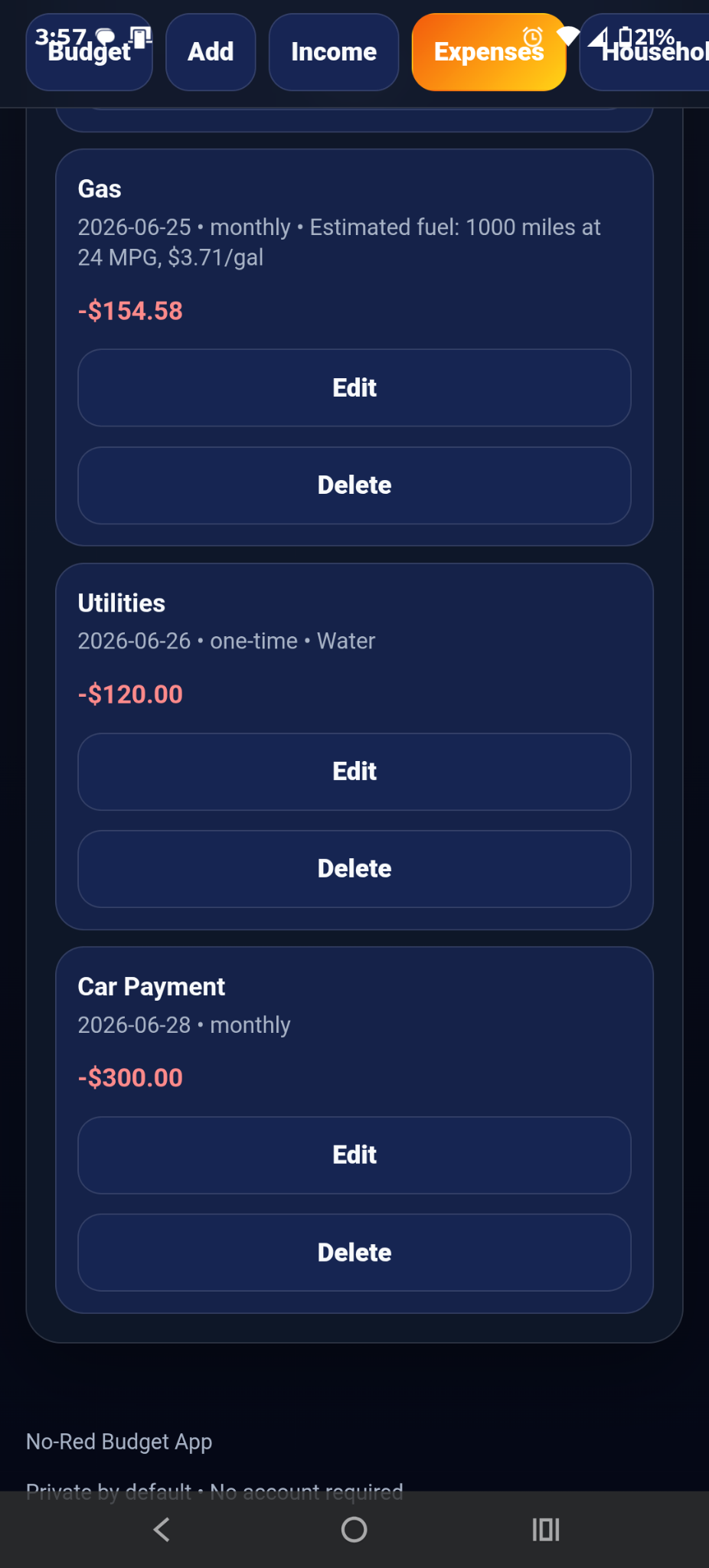
Add paychecks, side income, bills, recurring expenses, and one-time spending.
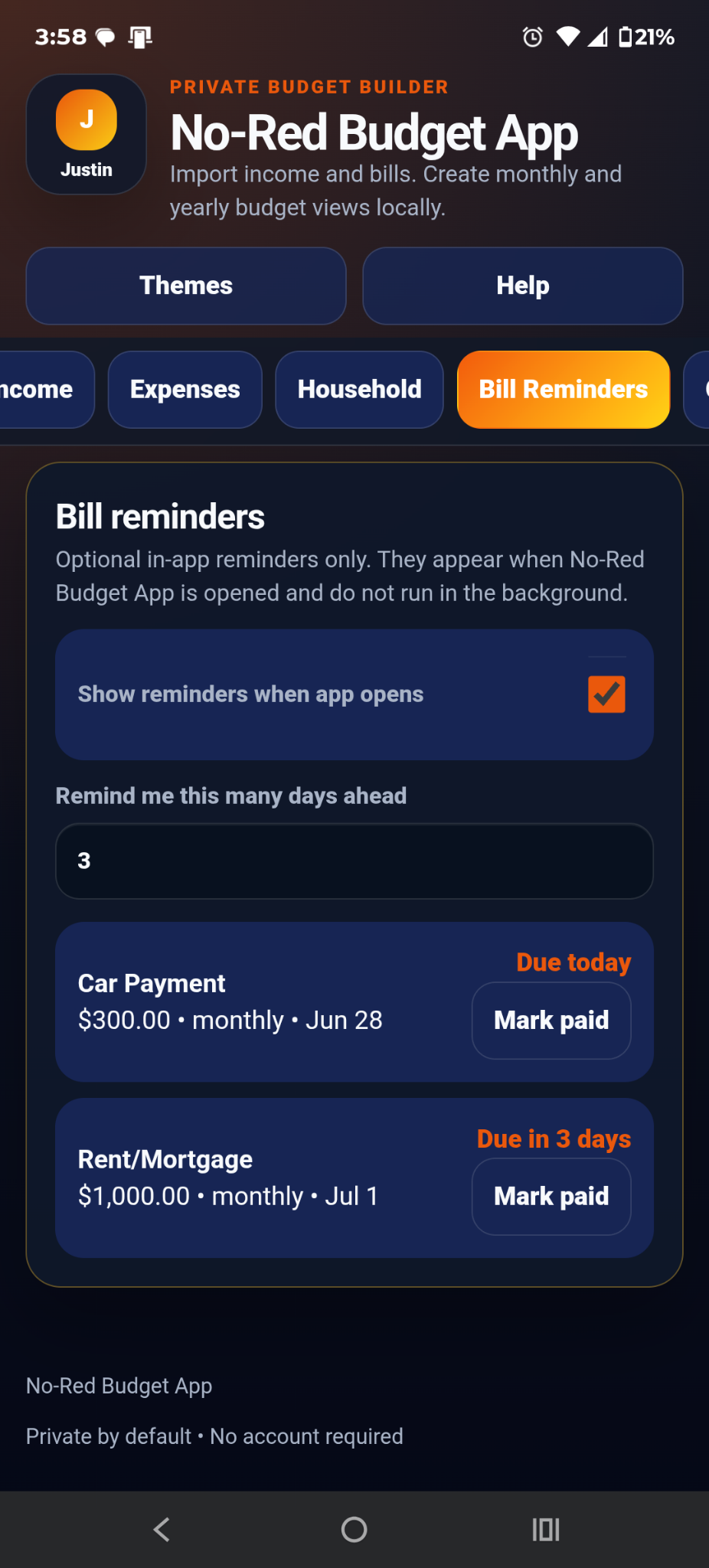
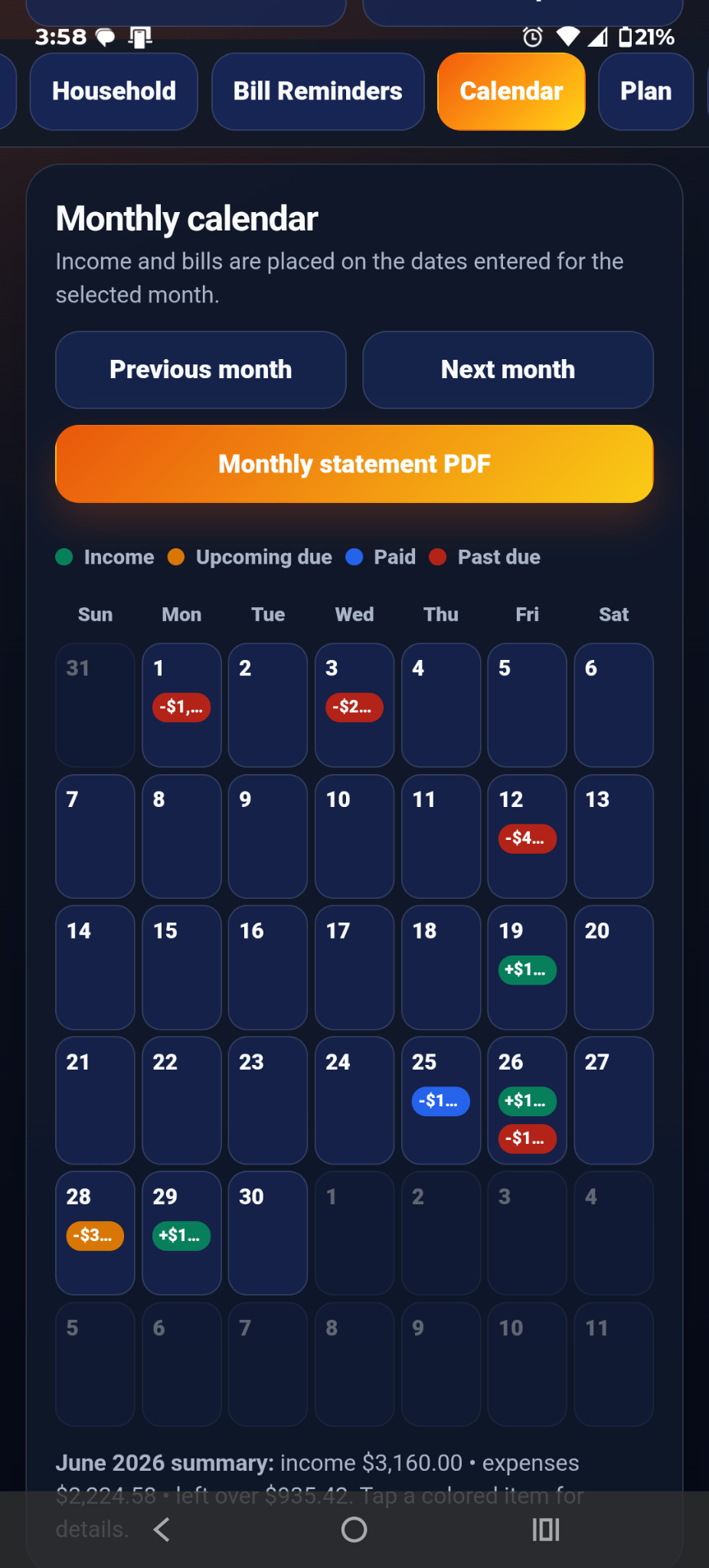
View due dates, pay dates, reminders, and paid status by month.
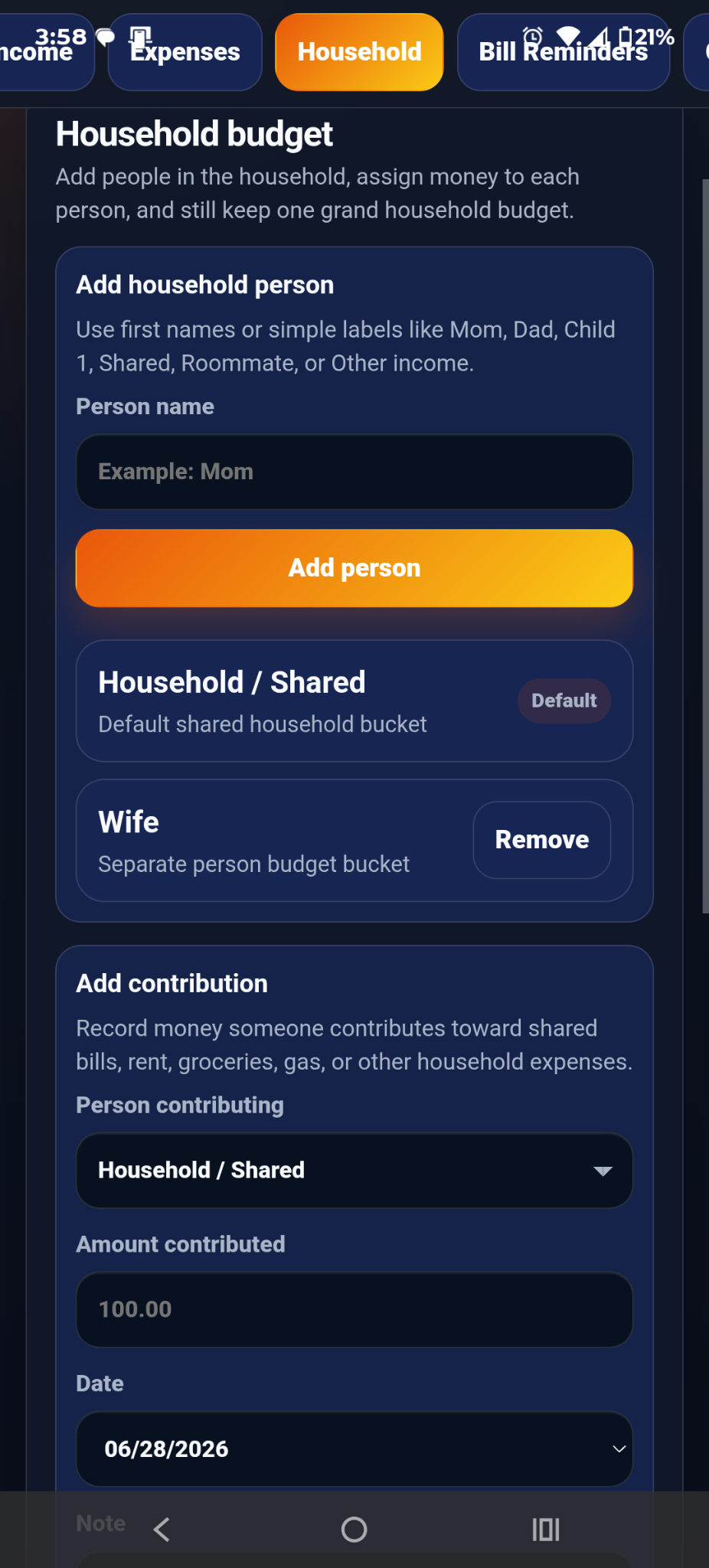
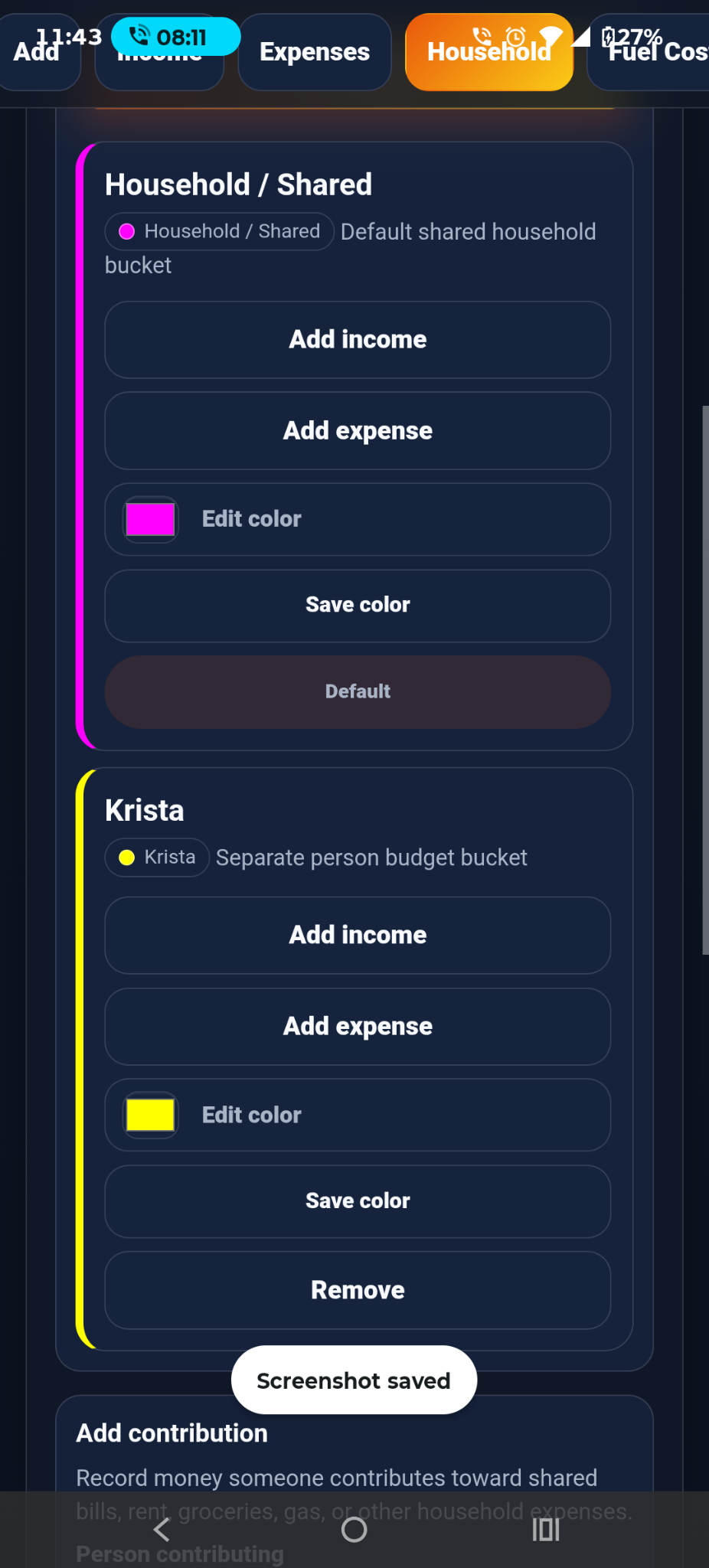
Track household members, shared costs, contributions, and color-coded responsibility.
Use built-in tools for gas planning, calculator needs, and cost-of-living reference planning.
Bring in supported file data and organize records into income, expense, budget, and reminder views.
Download your budget data so you stay in control of your own records.
Screenshots show the mobile interface, budgeting views, tools, household controls, reminders, and planning screens.
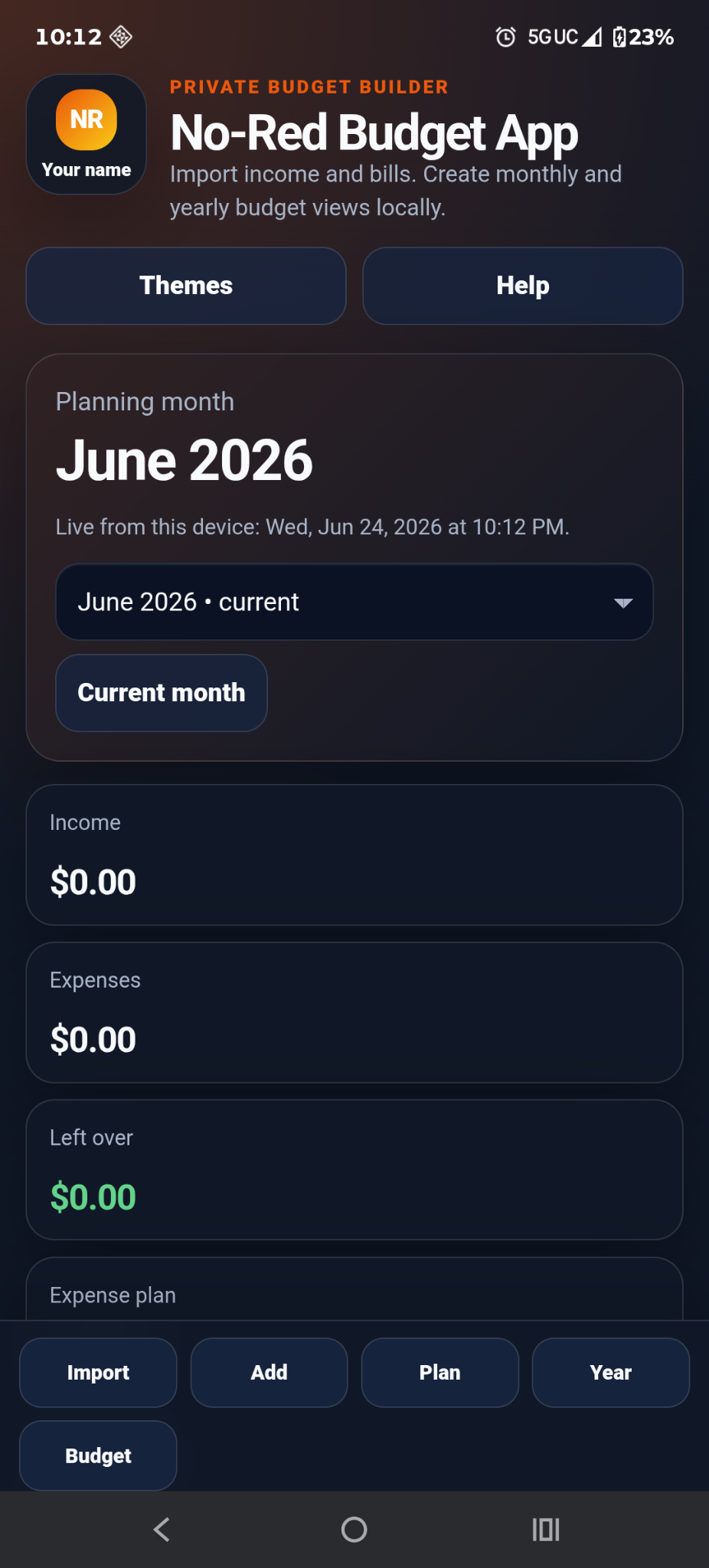
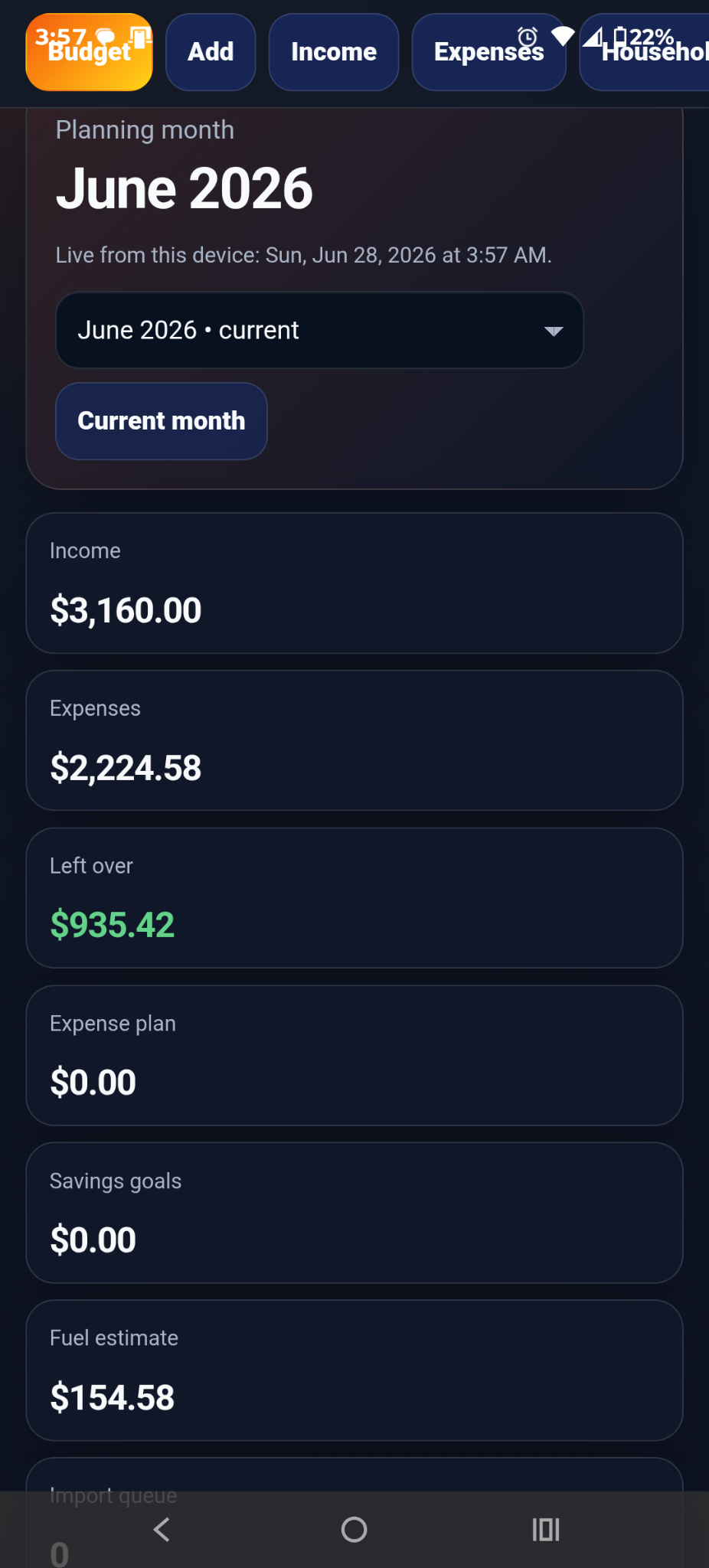
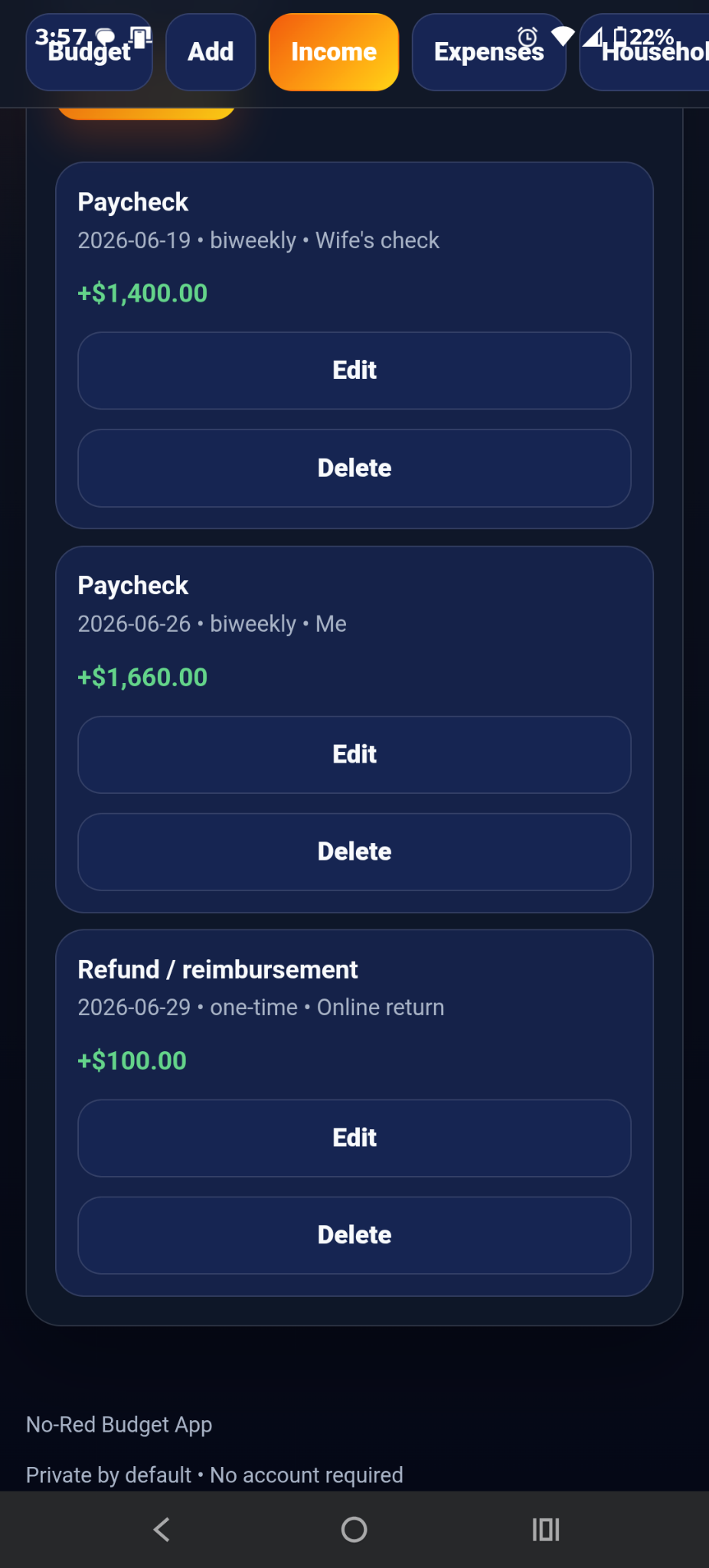
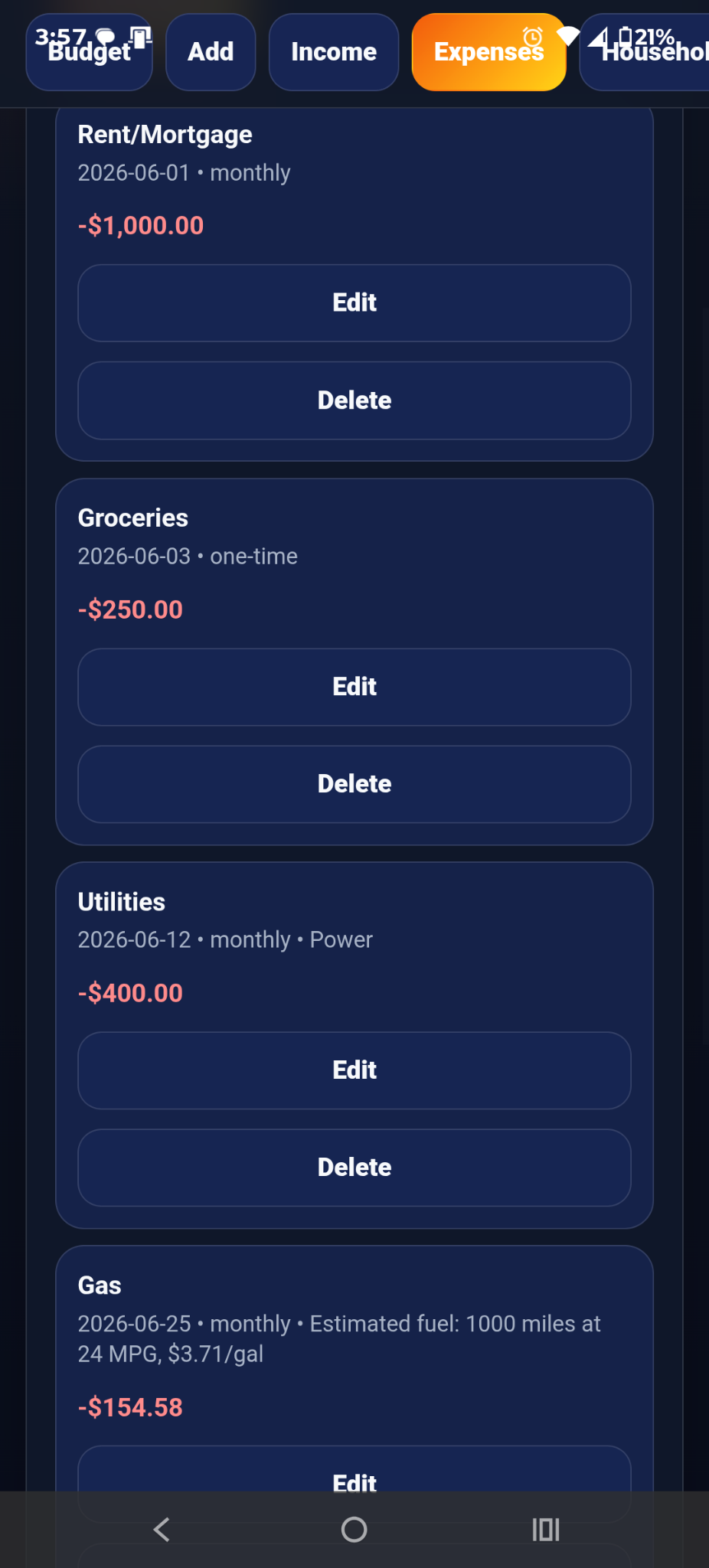
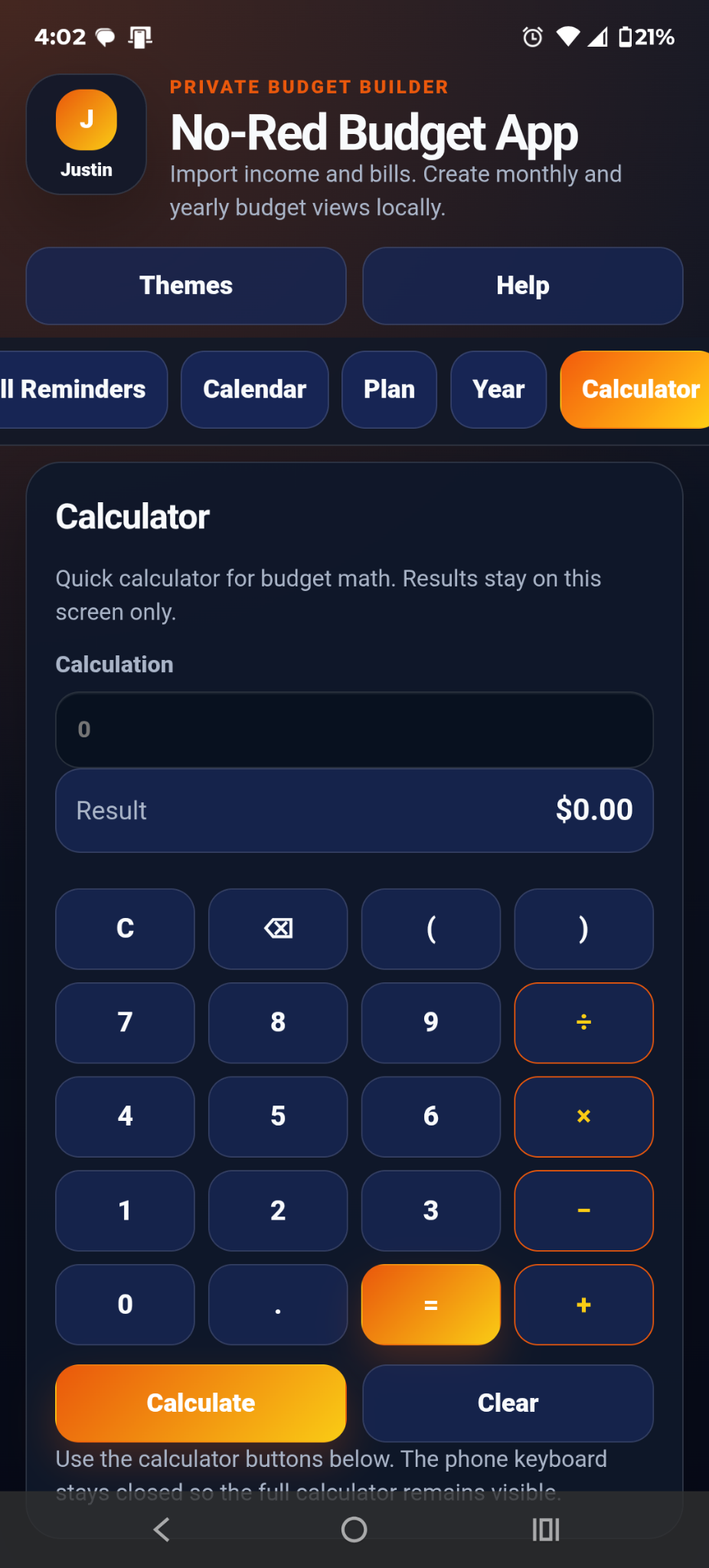
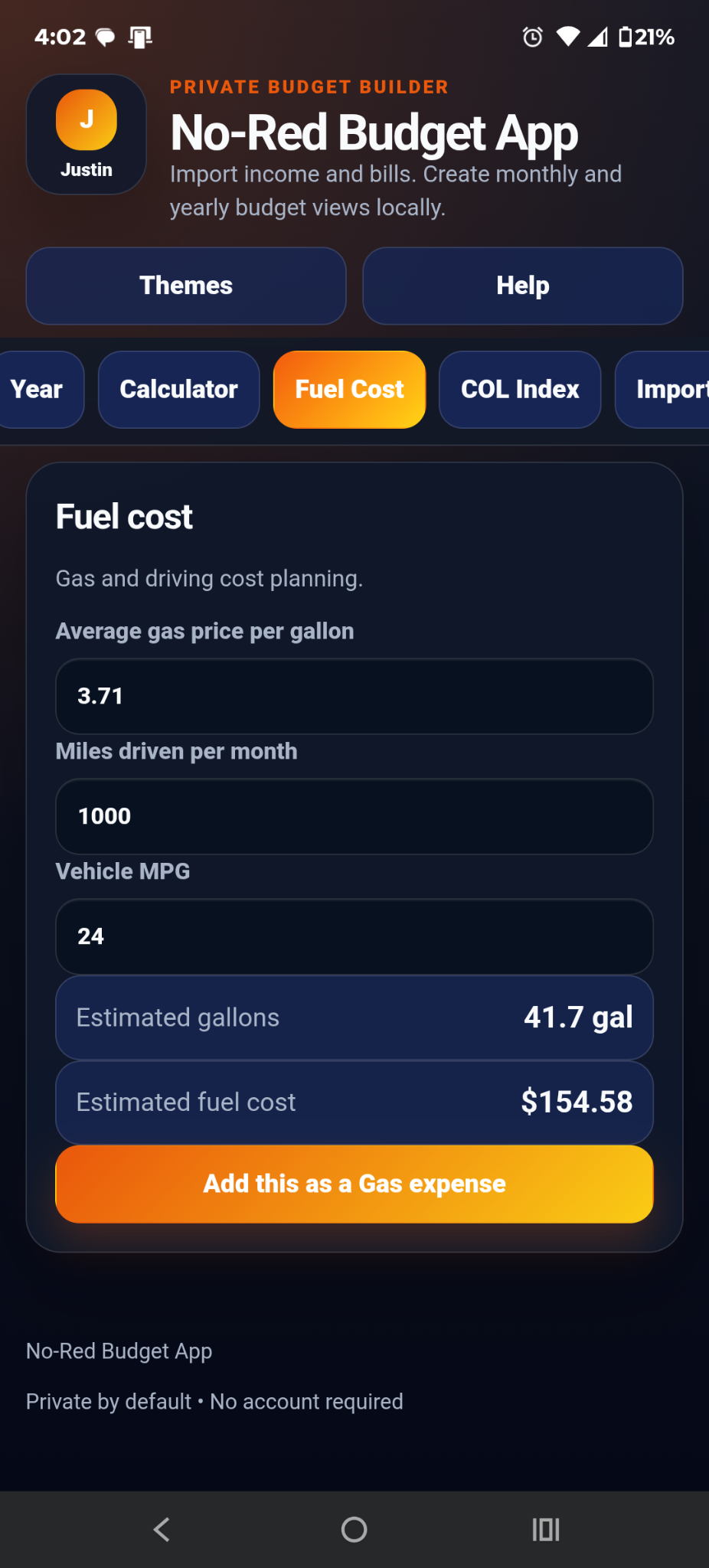
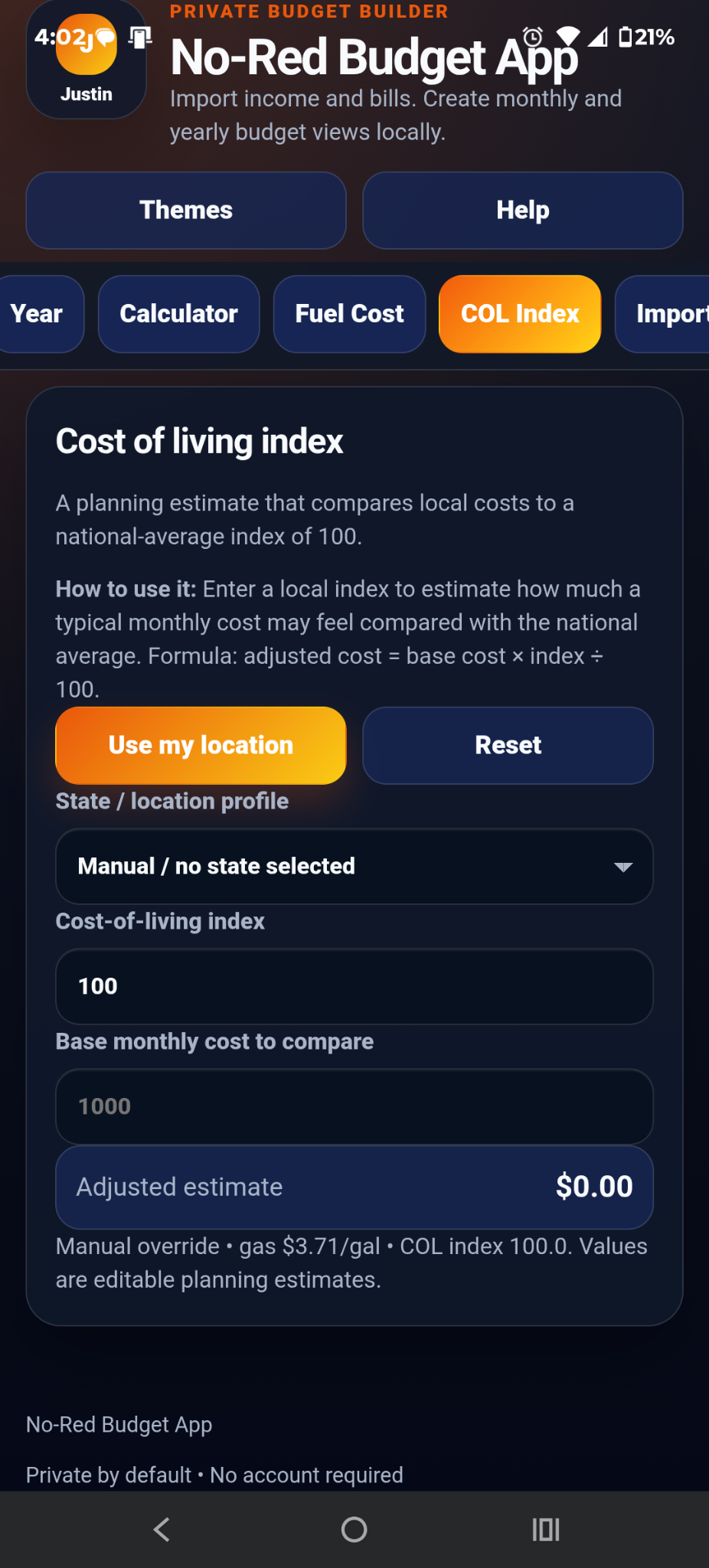
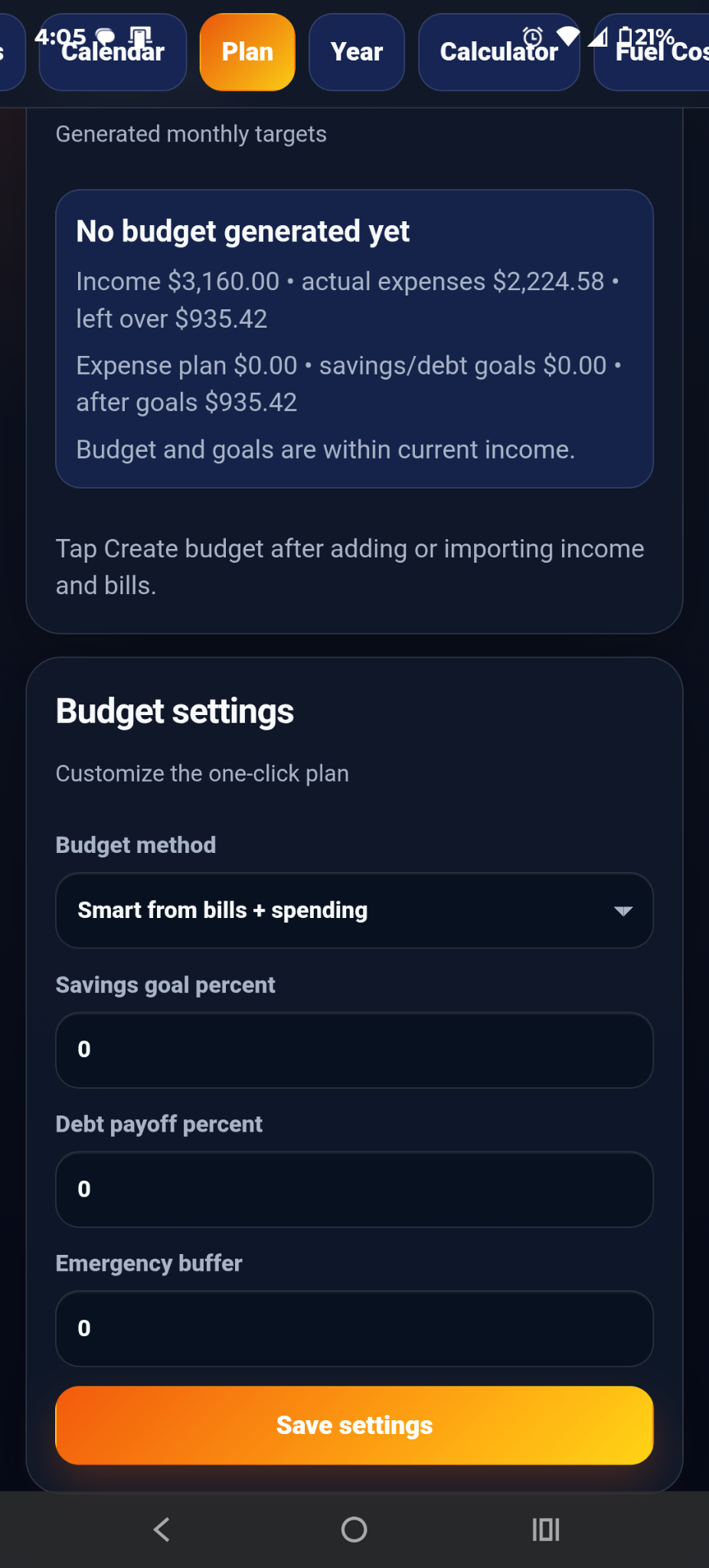
No bank login. No No-Red budget account required for budgeting. No ad tracking. Budget entries stay local to the user device/browser in the current local-first version.
Website purchases may require limited payment, billing, tax/location, fraud-prevention, receipt, access verification, license/access, restore-purchase, support, refund, or dispute records through Stripe. Nored Ventures does not collect or store full credit card numbers.